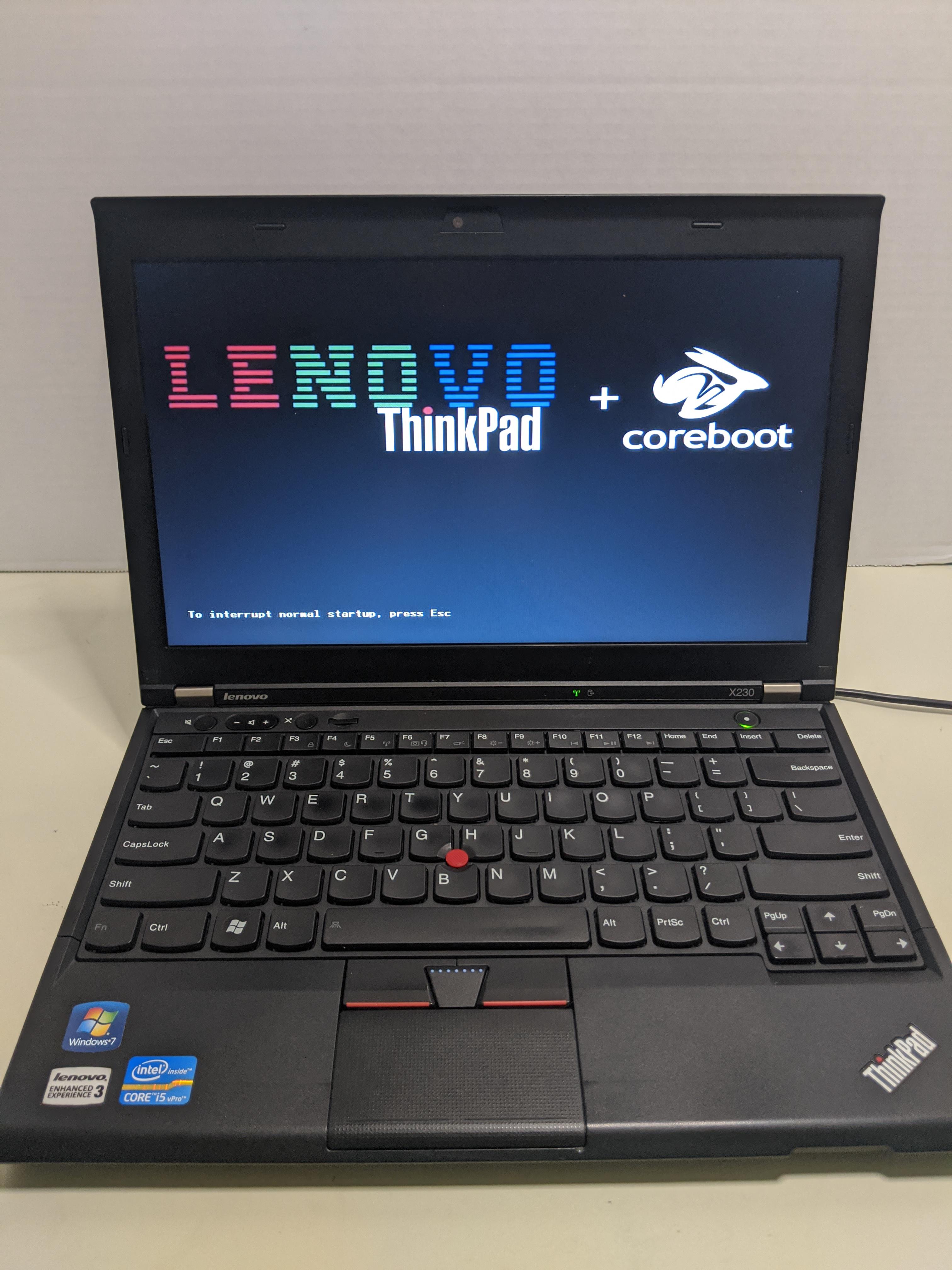
The ThinkPad X230 is, by most reasonable measures, an obsolete laptop. It shipped in 2012 with a chiclet keyboard everyone hated, an IPS panel that was only kind-of okay, and an Ivy Bridge i5 that struggles with modern web bloat. None of that matters: the X230 is also the most-supported Coreboot target outside of a Chromebook, the screen can be swapped for a 1080p IPS, and the keyboard can be replaced with the classic seven-row Thinkpad layout. With Coreboot flashed and the Intel Management Engine neutered, you end up with a small, silent, repairable, fully-open laptop that costs less to buy than a single AppleCare claim.
You will need a CH341A programmer (eight dollars on AliExpress), a SOIC-8 clip with a ribbon cable (another six), and a Linux machine to run flashrom from. Buy two clips. Both of mine had a bent pin out of the bag, and a second clip costs less than the shipping if you have to re-order. Do not buy the 3.3V mod board for the CH341A; the cheaper option is to power the laptop’s flash from an external 3.3V source while you read and write.
Crack the laptop open following the X230 hardware maintenance manual, which Lenovo still hosts as a PDF. Remove the keyboard, the palm rest, and the magnesium frame screws on the underside. The two SOIC-8 BIOS chips sit on the motherboard near the RAM slots — a small 4 MB chip and a larger 8 MB chip. Both need to be read, modified, and written back; that is the part that catches people who have only ever flashed a single-chip board.
Read each chip three times with flashrom -p ch341a_spi -r dumpN.bin and compare the SHA256s. If any of the three reads differ, your clip is making bad contact — re-seat it and try again. Do not proceed until you have three identical reads of both chips. This is the difference between a Saturday afternoon and a paperweight. I keep the verified dumps on a thumb drive in the same drawer as the programmer; they have saved me twice when a flash went sideways months later.
Build Coreboot from source against the xx30 target with the SeaBIOS payload, run me_cleaner against the Management Engine partition, and stitch the result back together with ifdtool. The first flash takes nervously long — eight to twelve minutes per chip — and the laptop will look completely dead until you reassemble it and hit the power button. When the SeaBIOS boot menu paints on the screen instead of the white-on-black Lenovo splash, you have a Coreboot ThinkPad. Pour yourself a drink, put it back together, and enjoy the only laptop on your shelf that you genuinely own.