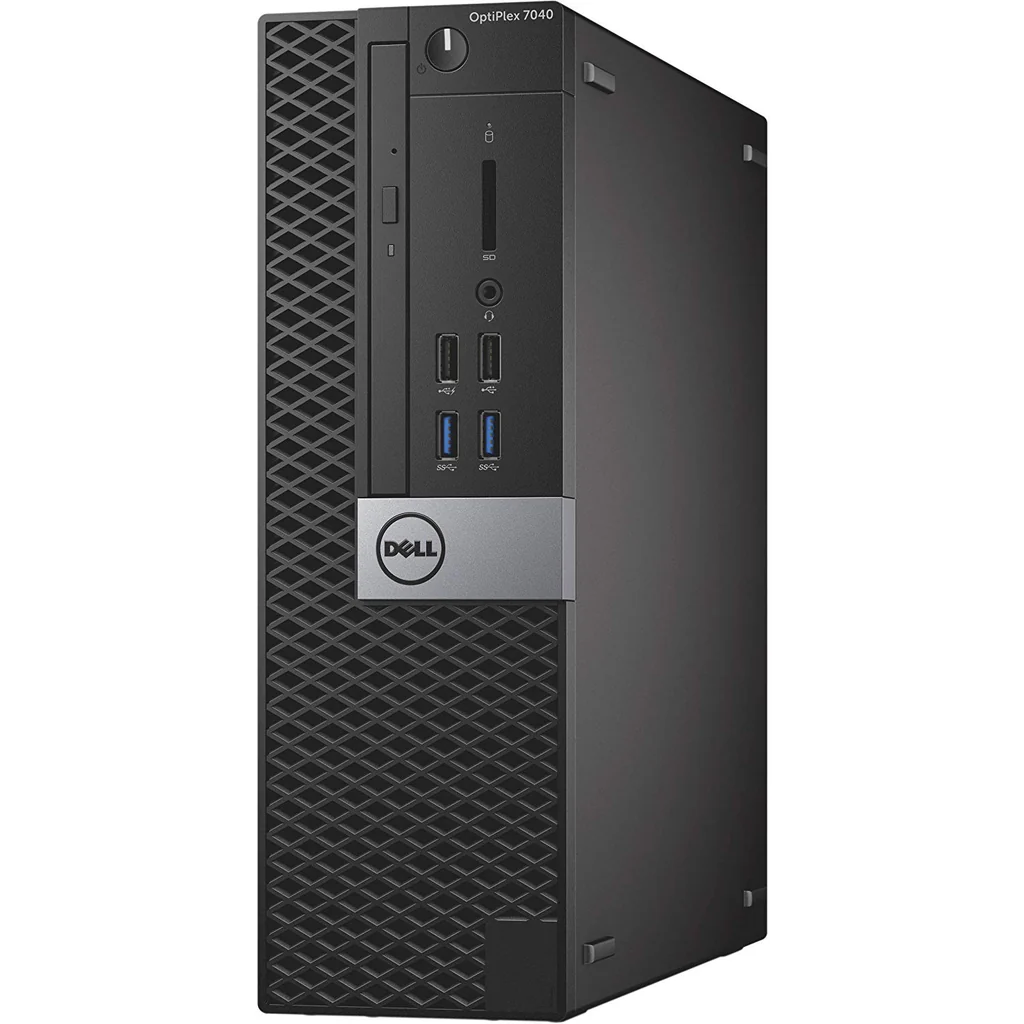
Walk into any office IT closet, hit any university surplus auction, or scroll your local listings for thirty seconds and you’ll find them: stacks of retired Dell OptiPlex 7040s, 7050s, and 9020s. Five years ago these were boring beige boxes glued to desks. Today they’re the single best entry point into a useful home lab, and most of them sell for the price of a takeaway lunch.
The recipe in this guide assumes a Core i5-6500 OptiPlex 7040 SFF with 8 GB of DDR4 and a 256 GB SATA SSD — the spec I’ve found most consistently in the $40-$60 range. Everything that follows works identically on the 3040, 3050, 7050, and 9020, with minor BIOS menu differences. If your machine has an i7 and 16 GB, even better; you’ll be running ten LXC containers before lunch.
Before you do anything, flash the BIOS to the latest version Dell provides. The 1.18.0 release for the 7040 fixes a long-standing IOMMU bug that breaks PCI passthrough on Proxmox 8.x. While you’re in the firmware, enable VT-x and VT-d, disable Secure Boot, and set the boot mode to UEFI. Don’t skip the IOMMU step — if you ever want to hand a GPU or a USB controller to a VM, you’ll need it.
Install Proxmox VE 8.2 from a USB stick. The installer is opinionated and the defaults are mostly correct: pick your SSD as the target, choose ext4, set a static IP on your LAN, and give the host a fully-qualified name like pile-01.lan. Once it reboots, hit https://your-ip:8006 from another machine, log in as root, and the rest of your life with this box happens through that web UI.
The first thing I do on every new node is replace the no-subscription nag screen and switch the apt sources from the enterprise repo to pve-no-subscription. After that, two LXC containers — one for Pi-hole, one for a reverse proxy — turn an idle SFF into the most useful machine in the house. Future guides on this pile will walk through each of those builds; for now you’ve got a $40 hypervisor humming on your shelf, and that’s the whole point.